
How to Send a Fax from Gmail
You cannot fax directly from Gmail alone, but FaxFlow makes it simple. Use FaxFlow's web platform alongside Gmail to send faxes of your email attachments in under a minute. No fax machine or phone line needed.
Step-by-step
Send Your First Fax in 5 Easy Steps
Follow these simple steps to get started
Download Your Gmail Attachment
Open the email in Gmail that contains the document you need to fax. Download the attachment to your computer or mobile device so it is ready to upload.
- Open the email with your attachment
- Click the download icon on the attachment
- Save to your desktop or downloads folder
- Supports PDF, DOC, DOCX, JPG, PNG
Open FaxFlow and Sign In with Google
Visit fax-flow.com and sign in quickly using your Google account. This makes account creation instant and seamless for Gmail users.
- One-click Google sign-in
- No separate password to remember
- Account created in seconds
- Use the same Google account as Gmail
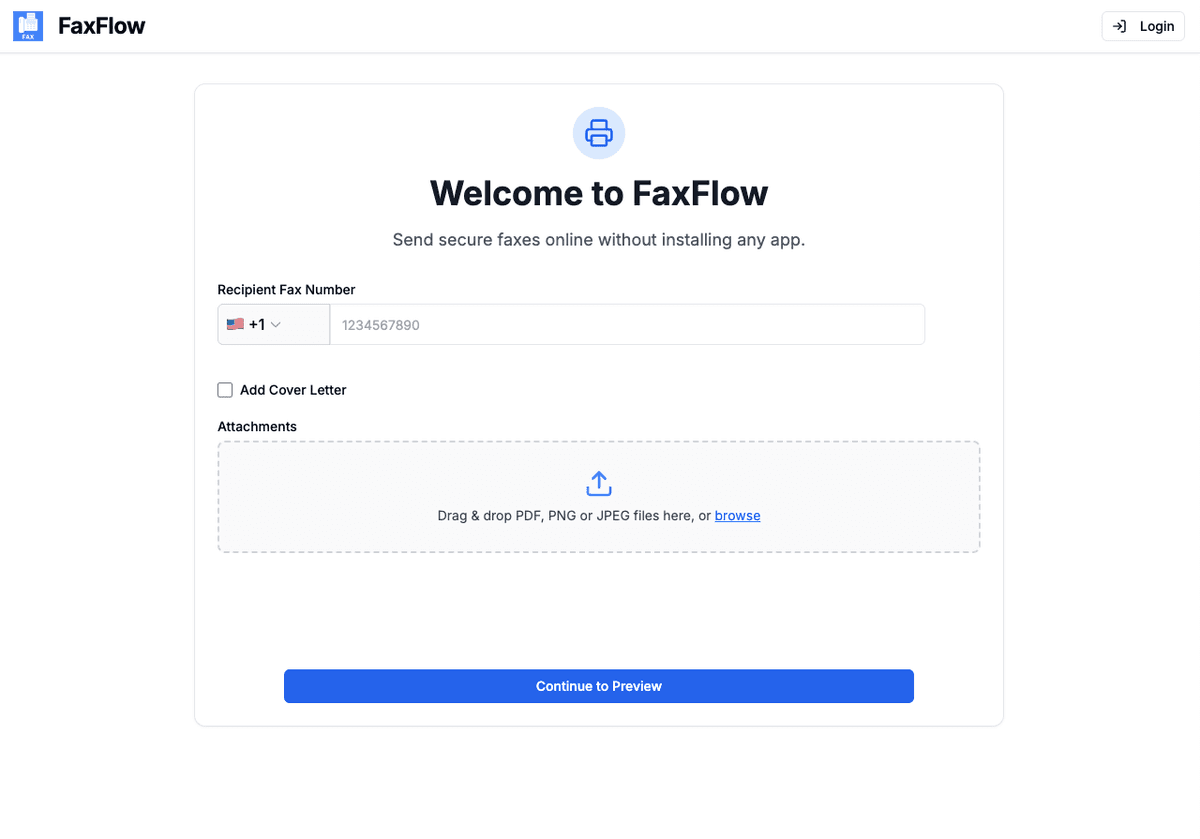
Upload Your Document
Upload the attachment you downloaded from Gmail. Drag and drop the file into FaxFlow or click to browse your files. You can upload multiple attachments at once.
- Drag and drop your downloaded file
- Upload multiple attachments
- All common formats supported
- Add a professional cover letter
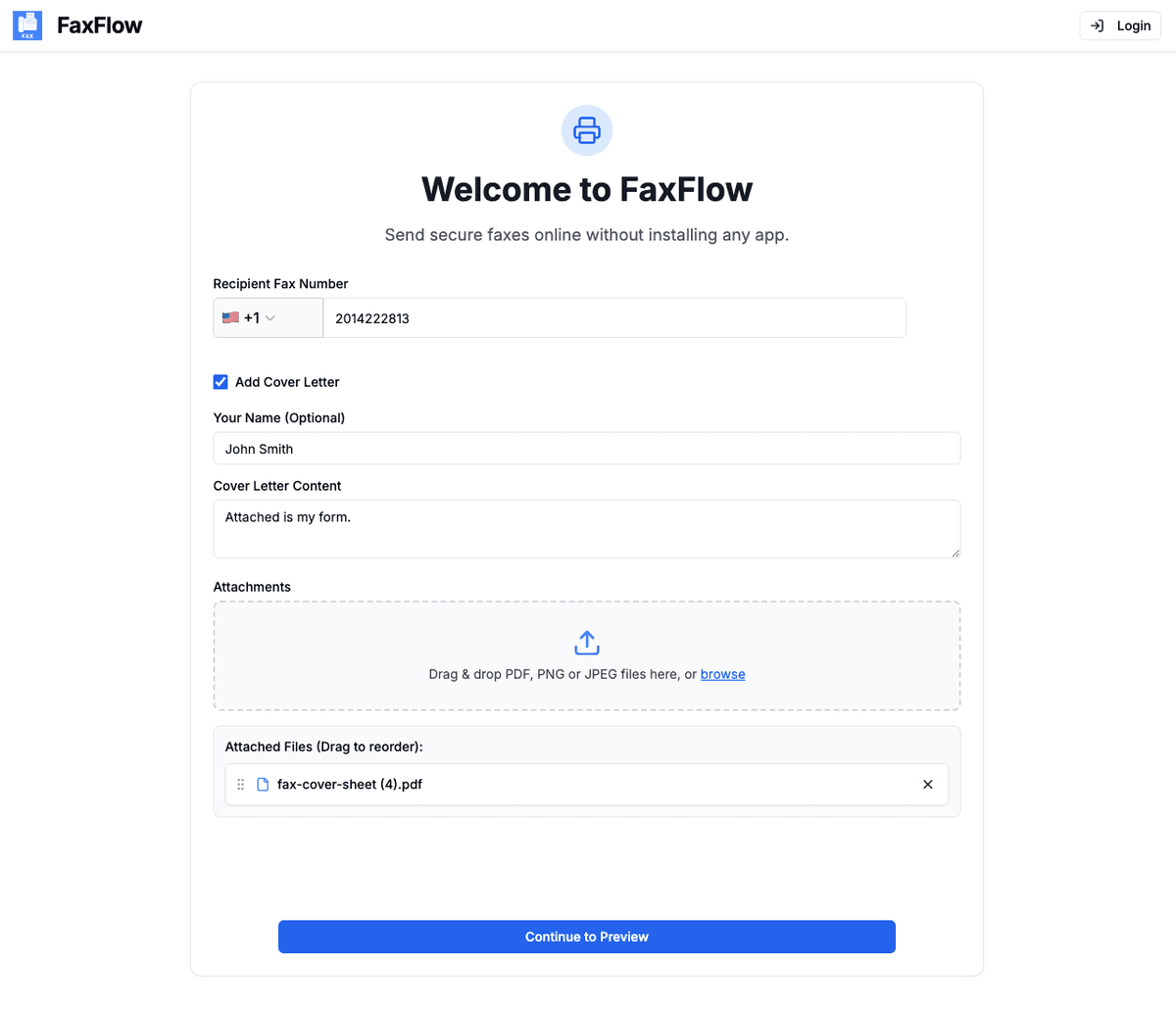
Enter the Fax Number
Type in the recipient's fax number including the country code. Preview your fax to make sure everything looks correct before sending.
- Enter fax number with country code
- Preview all pages
- Verify cover letter
- International faxing supported
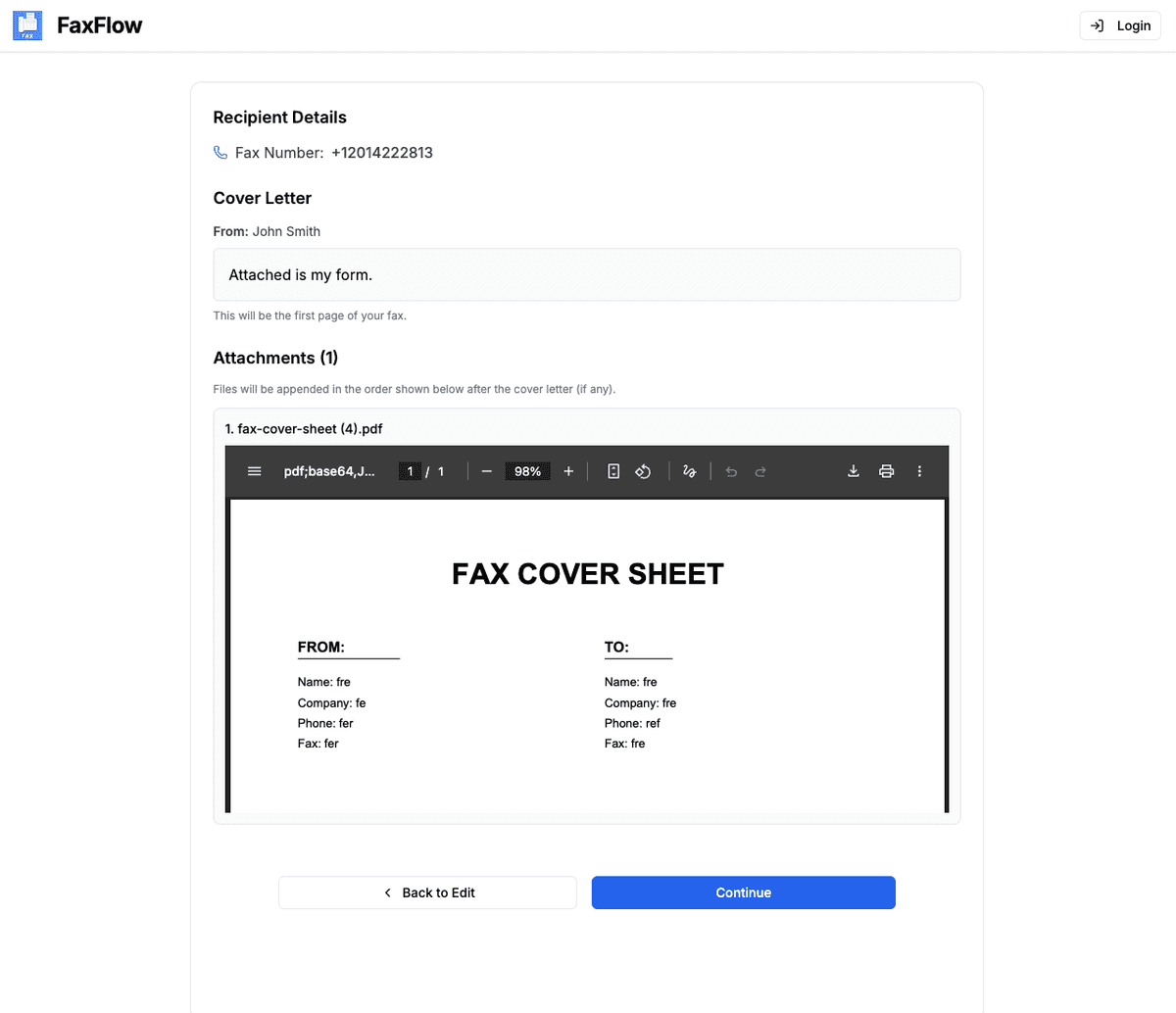
Send and Get Confirmation
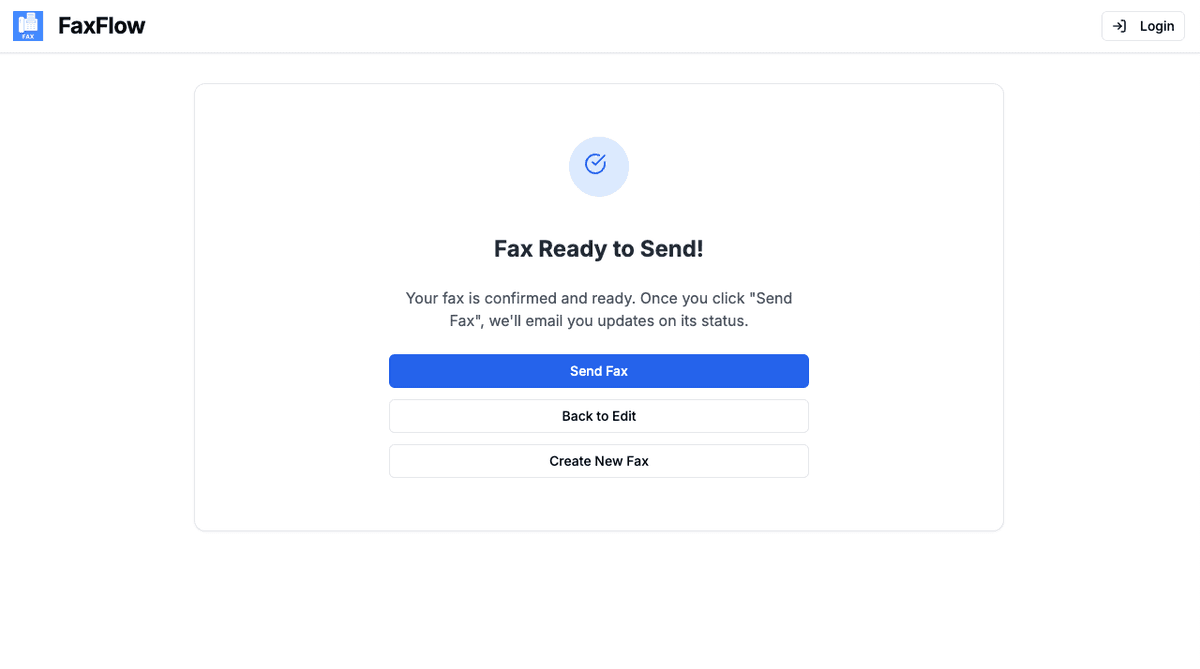
Click "Send Fax" to deliver your document. You will receive an email confirmation at your Gmail address when the fax is successfully delivered.
- One-click sending
- Delivery confirmation to Gmail
- Real-time status tracking
- Download delivery receipt
Delivery confirmations are sent to your Gmail inbox!
Features
Gmail Faxing Features You'll Love
FaxFlow is packed with features that make faxing effortless
Google Sign-In
Sign in to FaxFlow with your Google account for instant access. No new passwords to remember.
Fax Email Attachments
Download attachments from Gmail and upload them to FaxFlow in seconds. Supports all common file types.
Gmail Confirmations
Receive fax delivery confirmations directly in your Gmail inbox so you never miss an update.
Secure Transmission
All faxes are encrypted with 256-bit SSL/TLS. Your documents are deleted after successful delivery.
Can I send a fax directly from Gmail?
Gmail does not have a built-in fax feature. However, you can download attachments from Gmail and upload them to FaxFlow to send as a fax in under a minute. FaxFlow also supports Google sign-in for a seamless experience.
Can I sign in to FaxFlow with my Google account?
Yes. FaxFlow supports Google sign-in so you can create an account or log in instantly using your existing Gmail credentials. No separate password needed.
Will I get fax confirmations in Gmail?
Yes. FaxFlow sends delivery confirmation emails to the address associated with your account. If you sign in with Google, confirmations will arrive in your Gmail inbox.
What file types from Gmail can I fax?
FaxFlow supports PDF, DOC, DOCX, JPG, PNG, and other common attachment formats. Download the attachment from Gmail and upload it to FaxFlow.
Is it secure to fax documents from Gmail attachments?
Yes. FaxFlow uses 256-bit SSL/TLS encryption for all transmissions. Your documents are securely delivered and deleted after transmission. We do not store your files.
FAQ
Gmail Faxing FAQs
Common questions about faxing documents from Gmail. Need more help? Contact our support team.
Get started
Ready to Fax from Gmail?
Sign in with Google and send your first fax in under a minute. No fax machine required.
No contracts • Works in any browser • Cancel anytime