
How to Fax From a Computer (Mac or PC)
Send a fax directly from your computer in about a minute. No fax machine, phone line, or software installation required — just your browser. Works on any PC, Mac, or Chromebook.
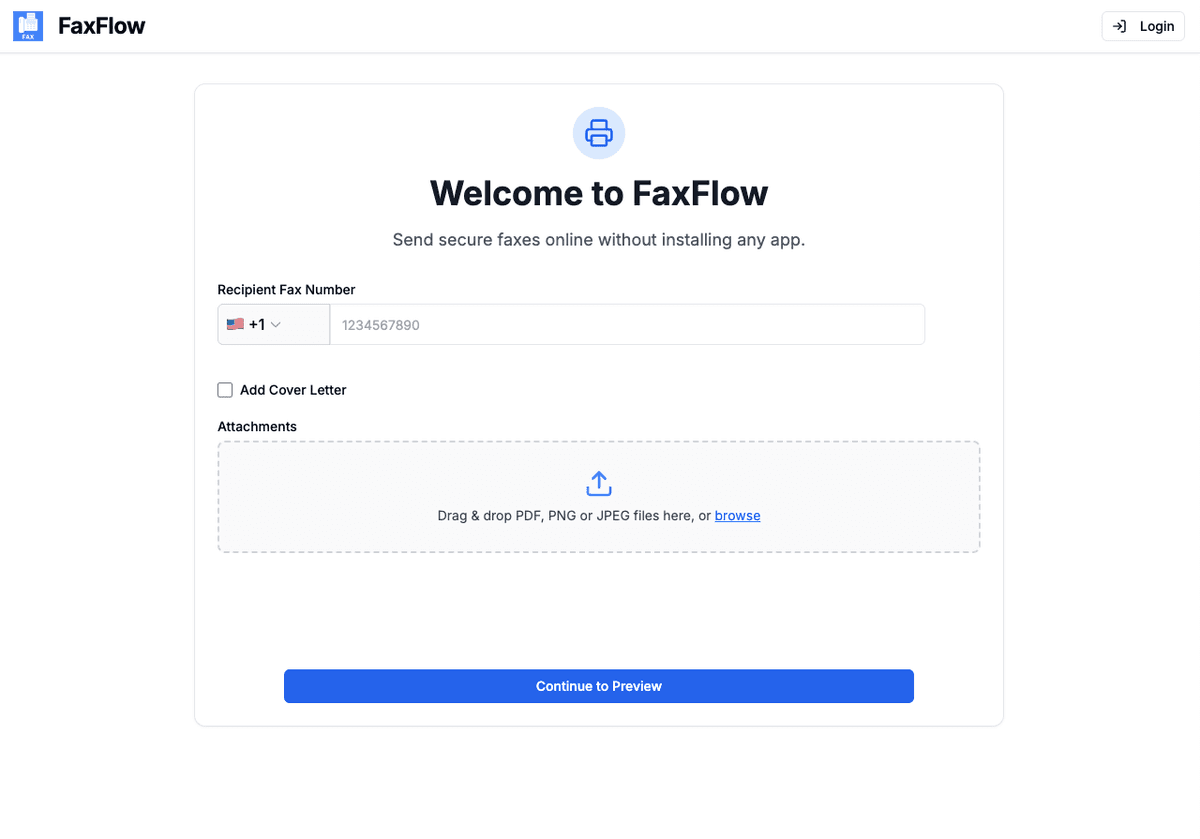
How to Send a Fax From a Computer (Quick Answer)
- Open your browser — Chrome, Safari, Edge, or Firefox — and go to FaxFlow's send-a-fax page.
- Upload the document you want to fax (PDF, Word doc, or JPG/PNG) — drag and drop works.
- Enter the recipient's fax number and add an optional cover letter.
- Preview every page, then click Send. You get an email confirmation when it's delivered.
The whole flow takes about a minute and is identical on Mac and Windows, because everything happens in the browser — no fax machine, no phone line, and nothing to install.
Step-by-step
Send Your First Fax in 4 Easy Steps
Follow these simple steps to start faxing from your PC
Upload Document & Enter Details
Visit fax-flow.com and start by entering the recipient's fax number and uploading your documents. You can drag and drop files, add cover letters, and prepare everything for sending.
- Upload PDFs, Word docs, Excel sheets
- Add images (JPG, PNG)
- Drag and drop multiple files
- Add optional cover letter
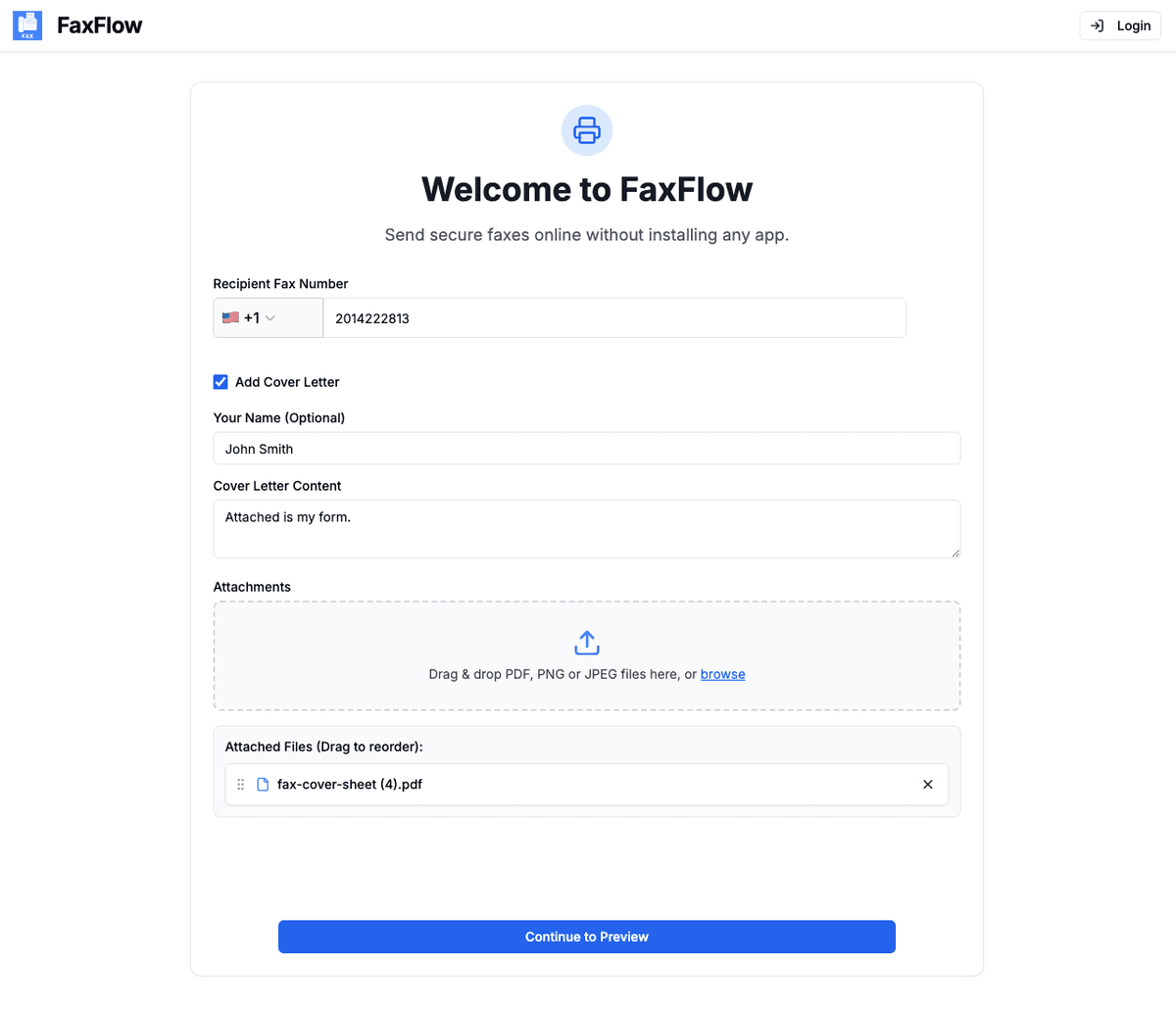
Verify Fax Contents
Review your fax before sending. See exactly how your document will appear, check recipient details, and preview your cover letter. Make any final adjustments to ensure everything looks perfect.
- Preview document pages
- Confirm recipient details
- Review cover letter
- Edit if needed
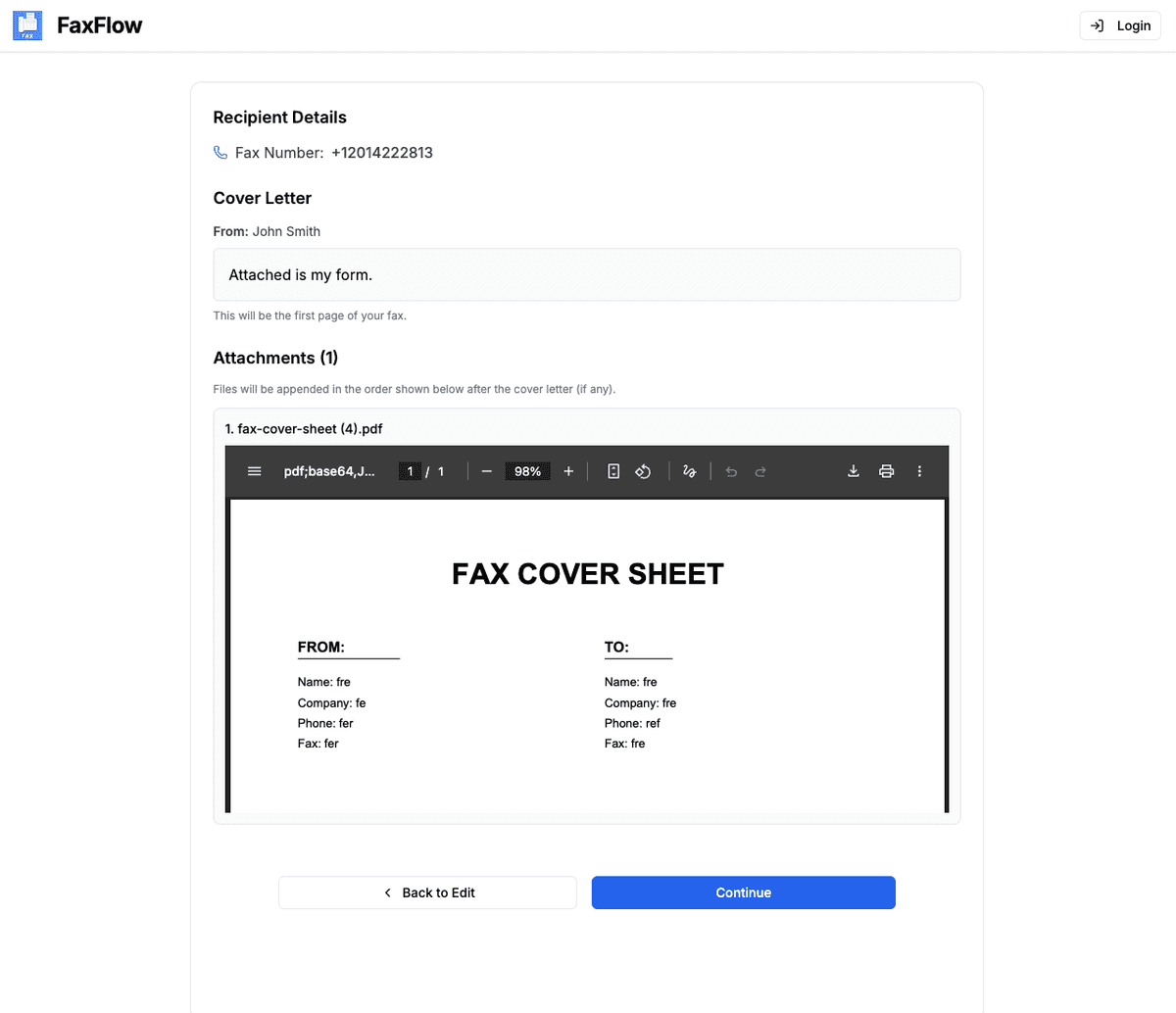
Create Your Account
Sign up with Google or email to confirm your fax. Account creation takes seconds and you'll be ready to send immediately.
- Quick 30-second signup
- Google sign-in available
- No phone number required
- Start faxing immediately
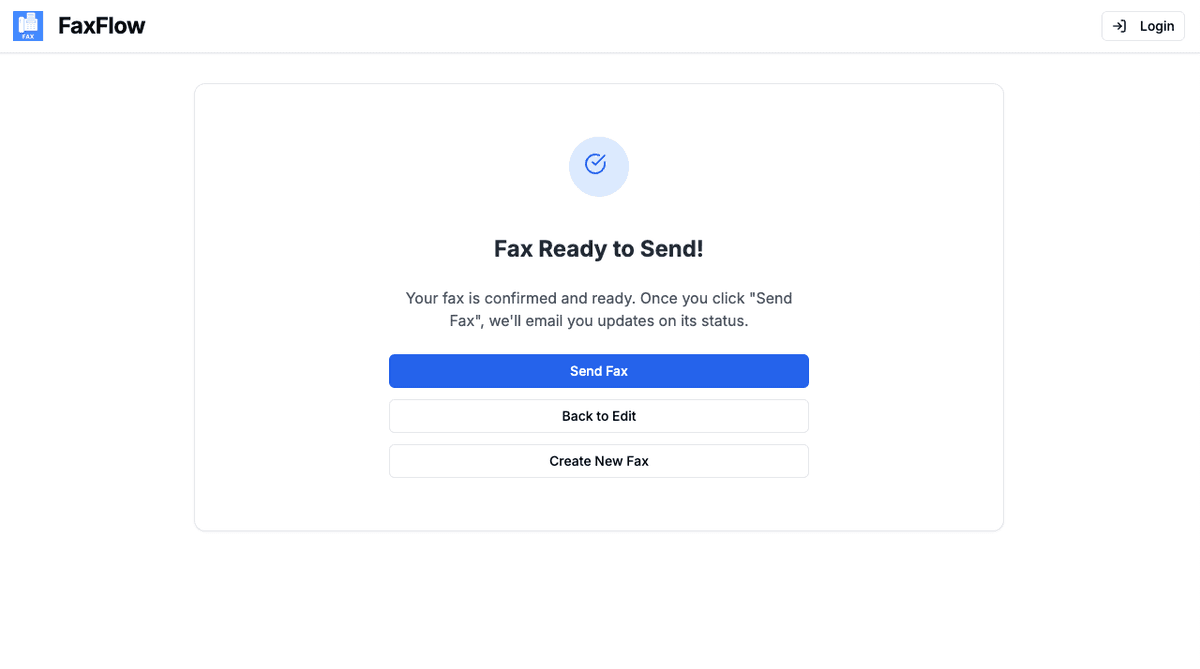
Send Your Fax
Click "Send Fax" to deliver your document instantly. Track delivery in real-time and get email confirmations when your fax is successfully received.
- Live delivery status updates
- Email confirmation when delivered
- Download delivery confirmation
- Resend option if needed
Most faxes are delivered within 3-5 minutes!
Can a Computer Send a Fax Without a Phone Line?
Yes — through an online fax service. A computer by itself can't fax: fax machines talk over analog phone lines, and modern computers don't have fax modems. An online fax service bridges the gap — you upload the document in your browser, and the service transmits it to the recipient's fax machine for you. Here are the three realistic options, from easiest to hardest:
1. Online fax in your browser (recommended)
Upload, enter the number, send. Works on any Mac or PC with internet, takes about a minute, and you get an email delivery confirmation. This is the method covered in the steps above.
2. A fax modem + landline
Windows' built-in Windows Fax and Scan can send faxes, but only through a fax modem plugged into an analog phone line — hardware almost no modern computer has. Details in our guide to faxing from a Windows PC.
3. An all-in-one printer with fax
Some multifunction printers have a fax button — but they also need an active phone line plugged into the printer. If you don't have a landline, the printer's fax feature can't work either.
On a specific machine? See the dedicated guides for faxing from Windows 10 and 11, faxing from a Mac, or faxing from a Chromebook.
Features
PC Faxing Features You'll Love
FaxFlow's web app is packed with features that make faxing from your computer effortless
Web-Based Platform
Send faxes directly from your browser. No downloads, no installations, works on any device.
Drag & Drop Upload
Simply drag files from your desktop. Upload PDFs, Word docs, images, and more instantly.
Fax Preview
See exactly how your fax will appear before sending. Review all pages and make adjustments.
Email Confirmations
Get instant email confirmations when your fax is delivered.
What browsers work with FaxFlow?
FaxFlow works with all modern browsers including Chrome, Firefox, Safari, and Microsoft Edge. We recommend using the latest version of your preferred browser for the best experience. The web app is fully responsive and works on desktop, laptop, and tablet browsers.
Can I send a fax from my computer without a phone line?
Yes. With an online fax service the fax travels over your internet connection, so no phone line or fax modem is needed. Upload your document in the browser, enter the recipient's fax number, and send — FaxFlow transmits it to the recipient's fax machine and emails you a delivery confirmation.
Do I need any special equipment?
No special equipment needed! You don't need a fax machine, phone line, or any hardware. Just a computer with internet access and a web browser. FaxFlow handles all the technical aspects of faxing through our secure cloud servers.
How much does PC faxing cost?
FaxFlow offers flexible weekly, monthly, and annual subscription plans to fit your needs. PC users get the same great rates as mobile app users, with volume discounts for businesses. View our pricing page for current plans.
Is faxing from a computer secure for sensitive documents?
Yes. FaxFlow uses 256-bit SSL/TLS encryption for every transmission — the same standard used by banks — and documents are deleted after sending rather than stored on our servers. Your sensitive paperwork stays private from your computer to the recipient's fax machine.
Can I fax from my laptop over Wi-Fi?
Yes. Any laptop with an internet connection works — Wi-Fi or wired, at home, at the office, or on hotel Wi-Fi. The fax is sent from your browser through FaxFlow's servers, so your laptop never needs fax hardware. The same steps work on a Windows laptop, MacBook, or Chromebook.
FAQ
PC Faxing FAQs
Common questions about faxing from your computer. Need more help? Check out our complete how-to-fax-online guide or contact our support team.
Keep reading
Faxing From Another Device?
Whatever you have on hand, there's a step-by-step FaxFlow guide for it.
Fax from Mac
Fax in Safari or Chrome with drag-and-drop from Finder. No plugins needed.
Fax from Windows PC
Send a fax from Edge or Chrome on any Windows 10 or 11 computer.
Fax from iPhone
No built-in fax on iOS? Use the FaxFlow app to scan and send in minutes.
Fax from Android
Scan with your camera or import from Google Drive, then send.
How to Fax Online (All Devices)
The complete hub of step-by-step faxing guides for every device.
Send a Fax Online Now
Ready to go? Upload, enter the number, and send your fax from the browser.
Get started
Ready to Start Faxing from Your PC?
Join thousands who've switched to online faxing. No software, no fax machine, no hassle.
No contracts • Works in any browser • Cancel anytime